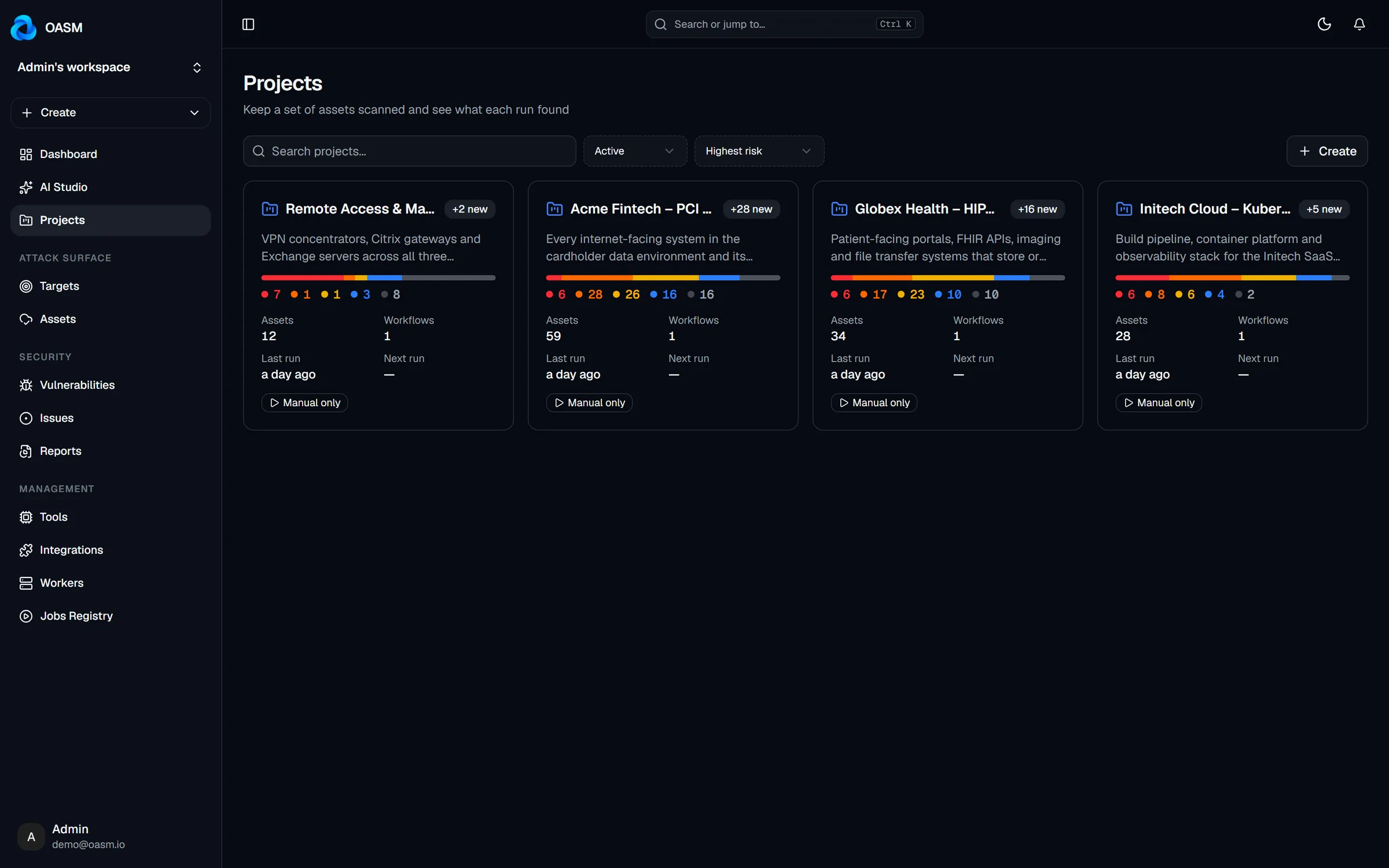
All projects at a glance
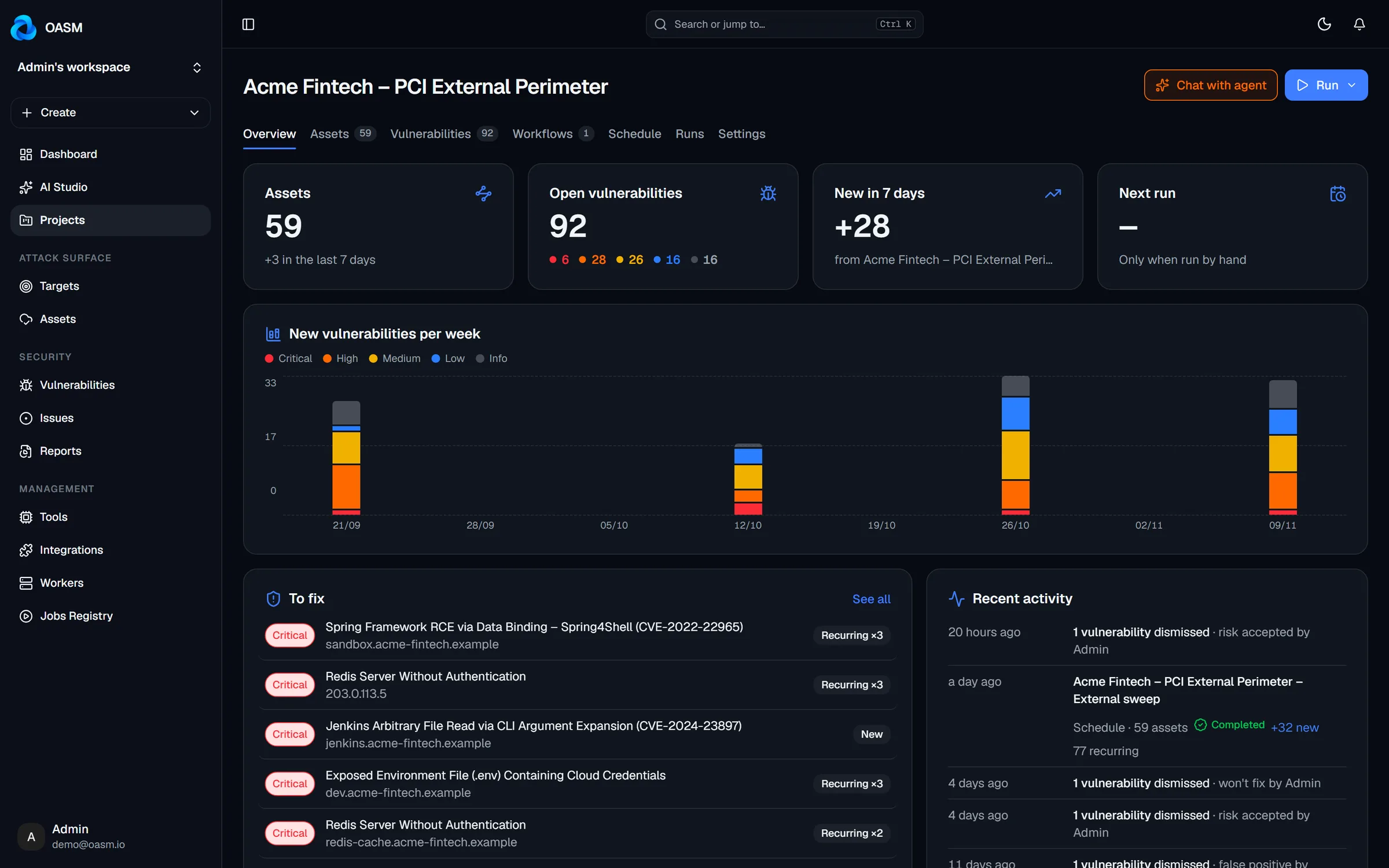
Assets, findings and last run for every project.
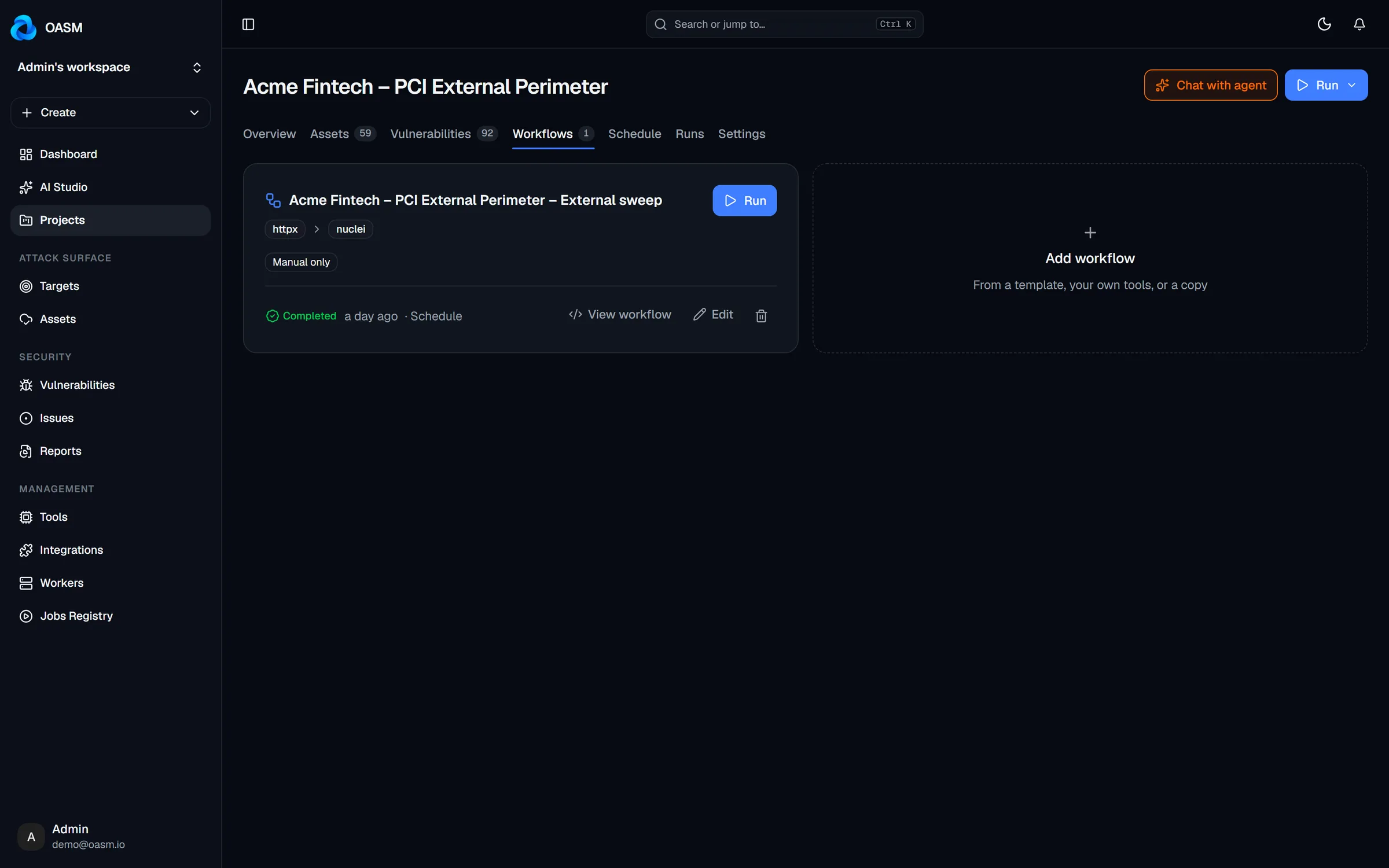
Group assets into projects with their own scope rules, tools, triggers and schedules — defined once in a workflow and run on their own.
✓ Scope rules✓ Workflow files✓ Event triggers and schedules
THE PROBLEM
Production, staging, the acquisition, the red-team scope. One global scan config fits none of them. Give each its own project.
Rules decide which targets and assets belong to the project.
Pick tools, wire their inputs and outputs, set schedules and triggers.
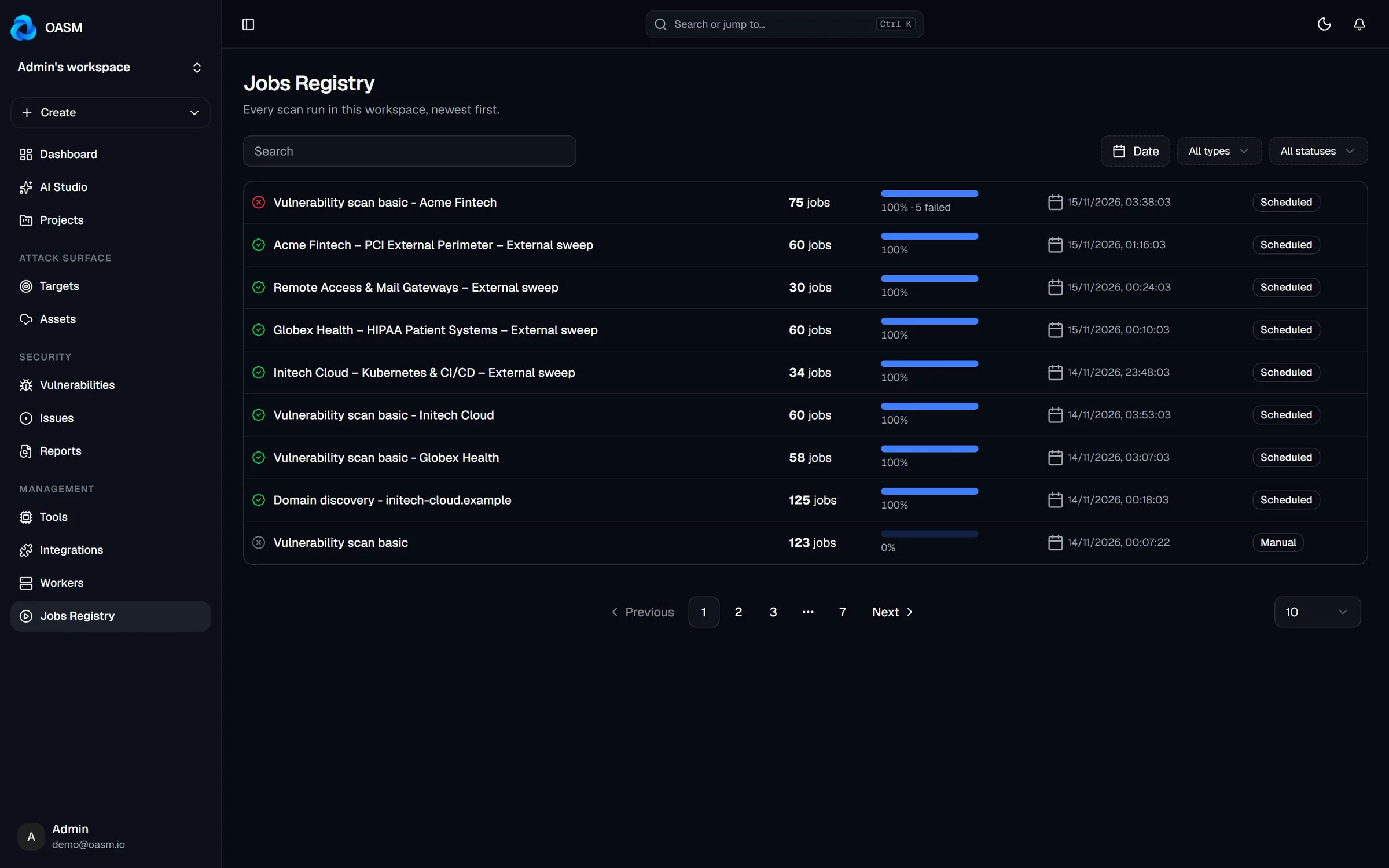
Runs, findings and activity collect in the project.
Projects keep scope, automation and results together.
Assets, findings and last run for every project.
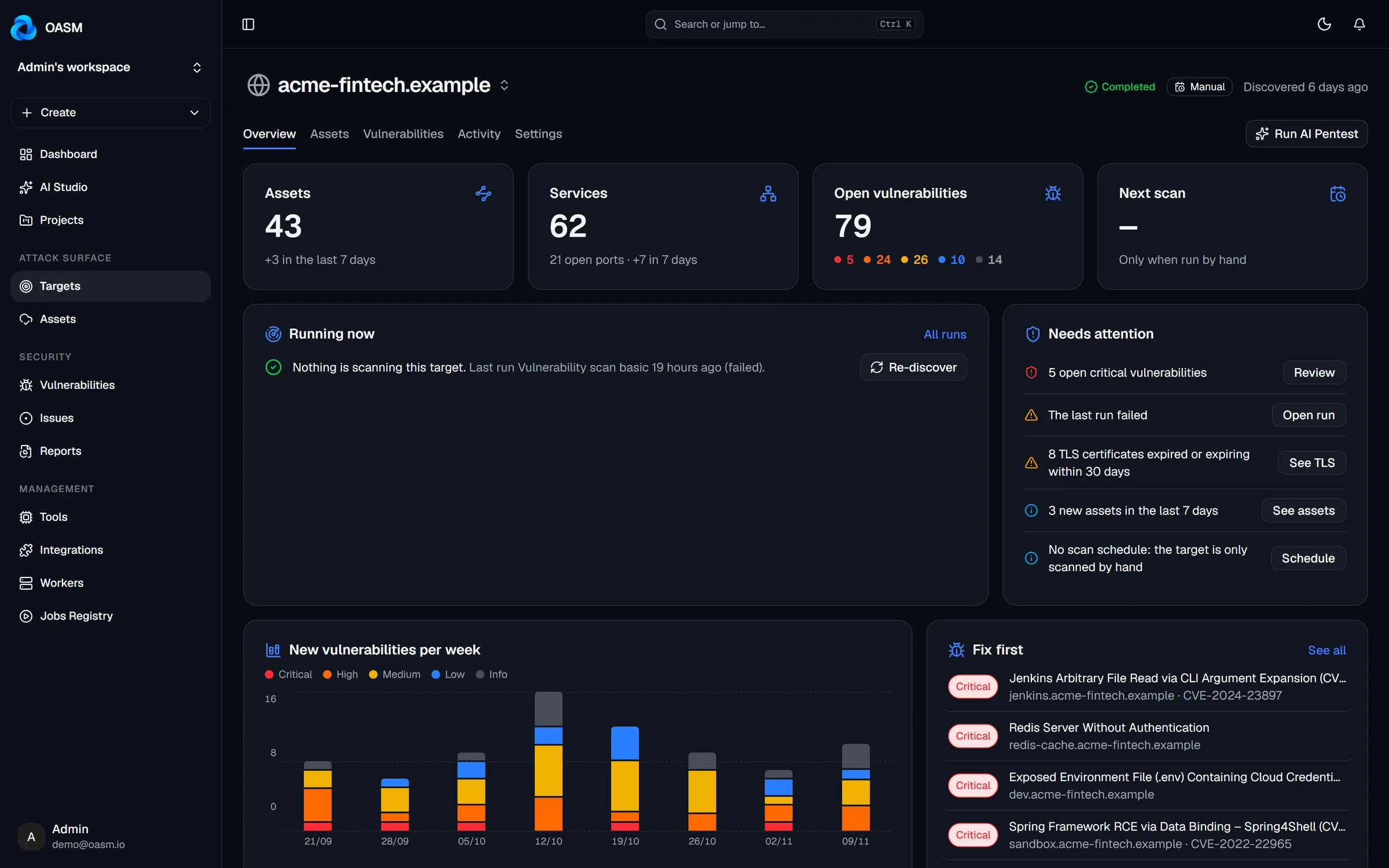
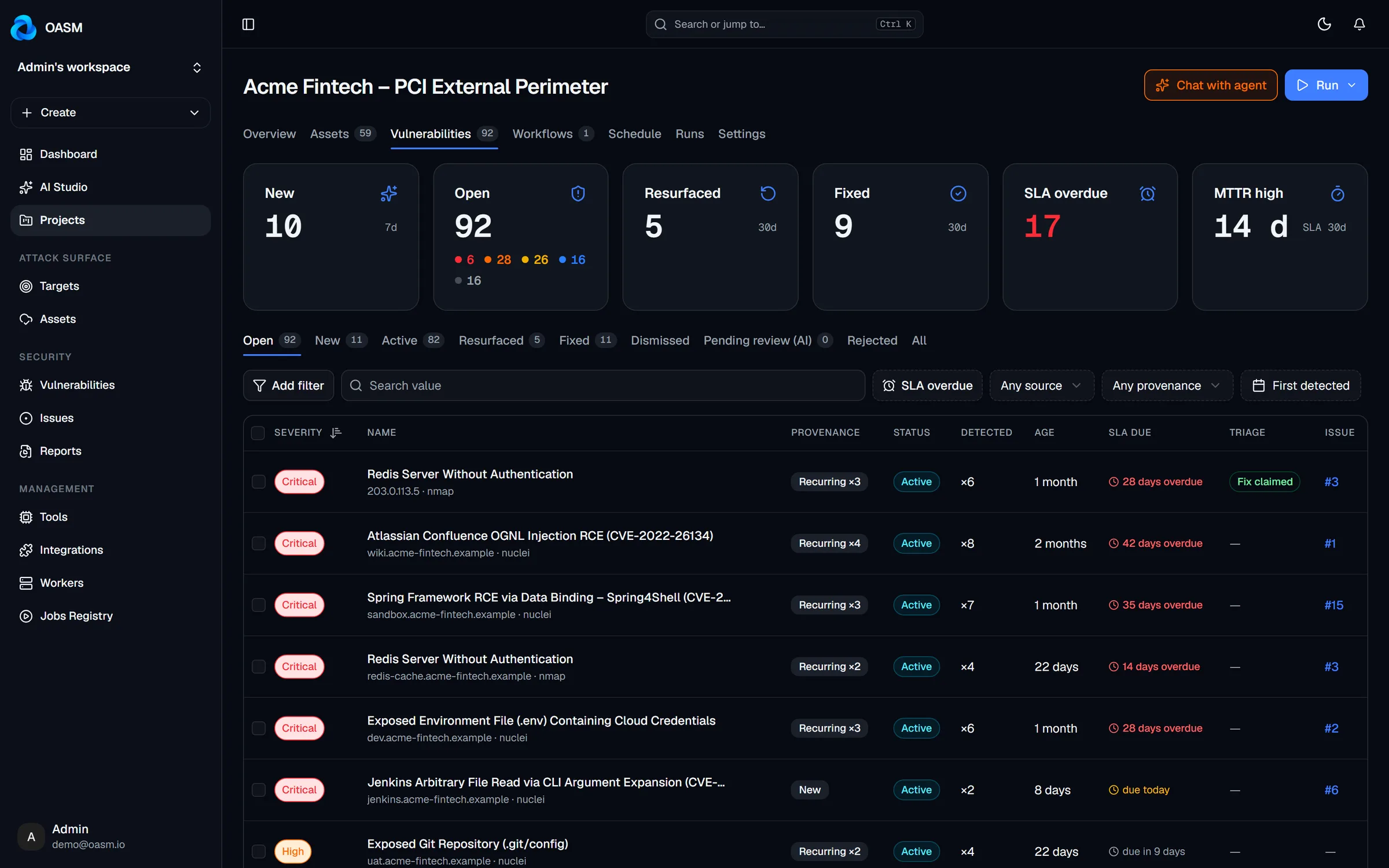
Weekly findings and the most urgent fixes per project.
Include and exclude by rule.
Run when new assets appear.
Set a cadence in the workflow.
Instructions and files for AI Studio.
Chain tools, wire their outputs and decide when it runs.
Every project gets its own vulnerability queue and SLA view.
Different scope, tools and cadence per environment.
A project per exercise, with its own rules and results.
Keep every customer’s surface and findings apart.
A file that lists the tools a project runs, how their inputs and outputs connect, and when it runs.
Free, open source and self-hosted. Your data never leaves your infrastructure.